Viewing submitted forms is necessary to keep track of the data provided by users.
Once a user fills out and submits the form, the submitted data will appear here, where it can be easily reviewed and managed.
List of submitted forms
- Languages – specifies the language in which the forms are listed. The selected language will also be used when creating a new form.

- Form – this displays the name of the form
- User – shows the user's name
- Submission Date – displays the date on which the form was filled out
- Search – to search for a form by title, simply type its name into the search bar and click the "magnifying glass" icon.
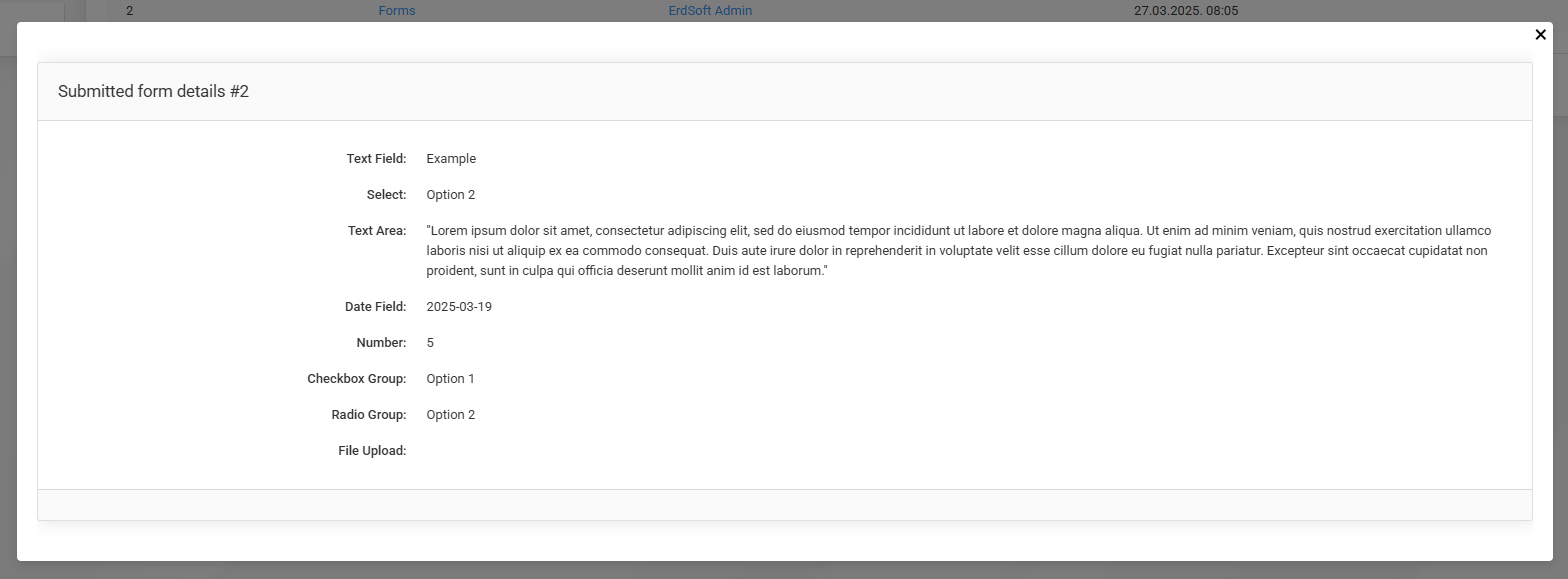
- By clicking on the small “i” icon, you can see exactly what the user filled in on the form.
Viewing a completed form: