Social logins allow users to quickly and easily log into your online store using their existing social media accounts, eliminating the hassle of creating a new customer account and remembering multiple passwords.
Sellvio provides integration with several widely used social platforms such as X (Twitter), Facebook and Google.
To set up social logins, first click on the External Services menu item in the left menu bar, then on the External Services administration page, click on the Social Logins tab.
IMPORTANT: To use all Sellvio extensions, the webshop owner must have a separate account with the listed providers.
To enable Facebook login, the store owner must create a Facebook developer account and then create an app within the Facebook developer interface.
- App ID - the application identifier created in the Facebook developer account.
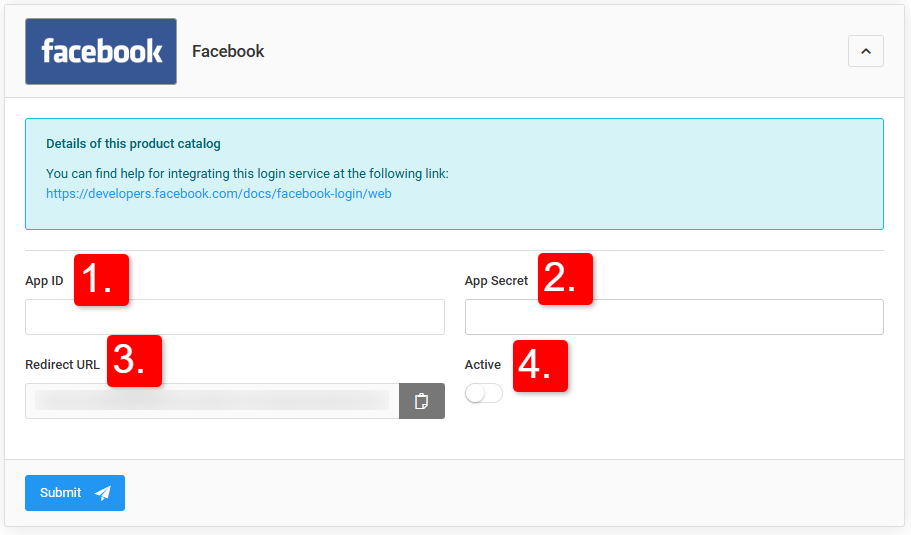
- App Secret - the encryption key provided by Facebook directly after the application is created.
- Redirect URL — the URL to which Facebook redirects the customer after a successful login. Sellvio provides this automatically; it must be copied and pasted under the app in the Facebook developer account.
- Active - determines whether the service is active or not. When disabled, the Facebook login option will not be displayed for the customers of the web store.
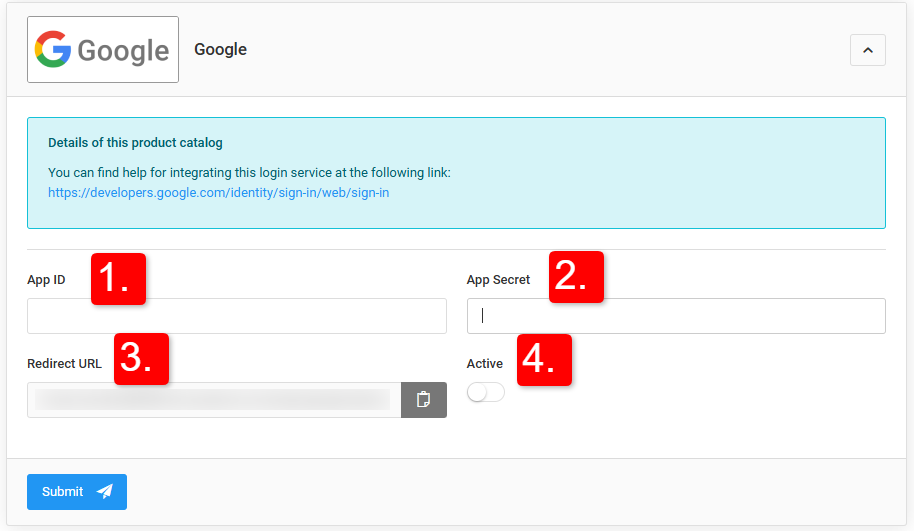
To enable Google login, you need to create a Google developer account and then an OAuth 2.0 client within it (client name, credentials, application URL, redirect URL). After creation, Google provides the client ID and the secret key.
App ID, App Secret, Redirect URL, Active - following the same logic as with Facebook.
X (Twitter)
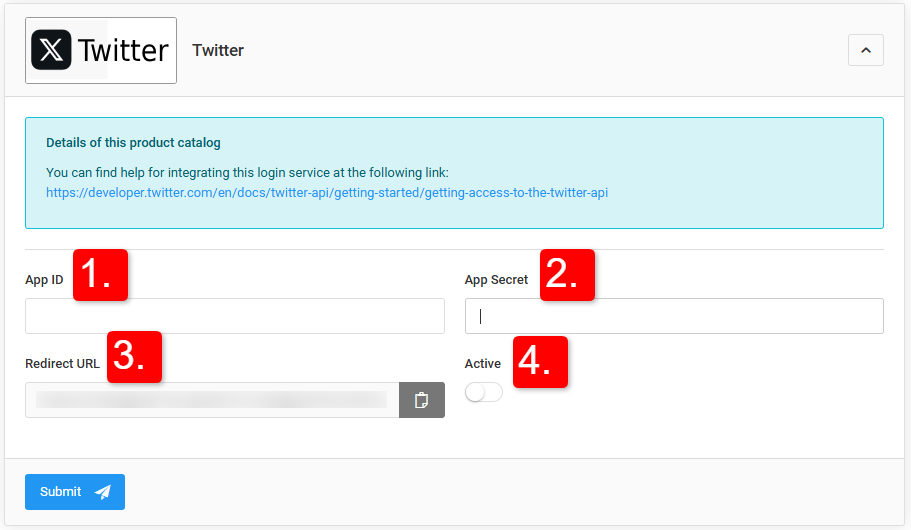
To enable Twitter login, you must create a Twitter developer account and an app within it (app name, description, URL, redirect URL). After creation, Twitter provides the identifier and the secret key.
App ID, App Secret, Redirect URL, Active - following the same logic as with Facebook/Google.
The above data only needs to be set once in Sellvio, as the Twitter login can be turned on or off at any time using the Active slider.