The Sellvio platform, with a focus on simplicity and efficiency, offers a variety of supplementary services that make daily business operations easier. In the "Other Services" category, you will find additional tools and integrations designed to help businesses achieve even greater success.
Trustindex
Trustindex is a professional review management software that enables businesses to collect, manage, and display customer reviews from over 55 platforms, such as Google, Facebook, and Yelp.
- Display Position – This option allows you to set the predefined positions on the page where the embedded code will appear.
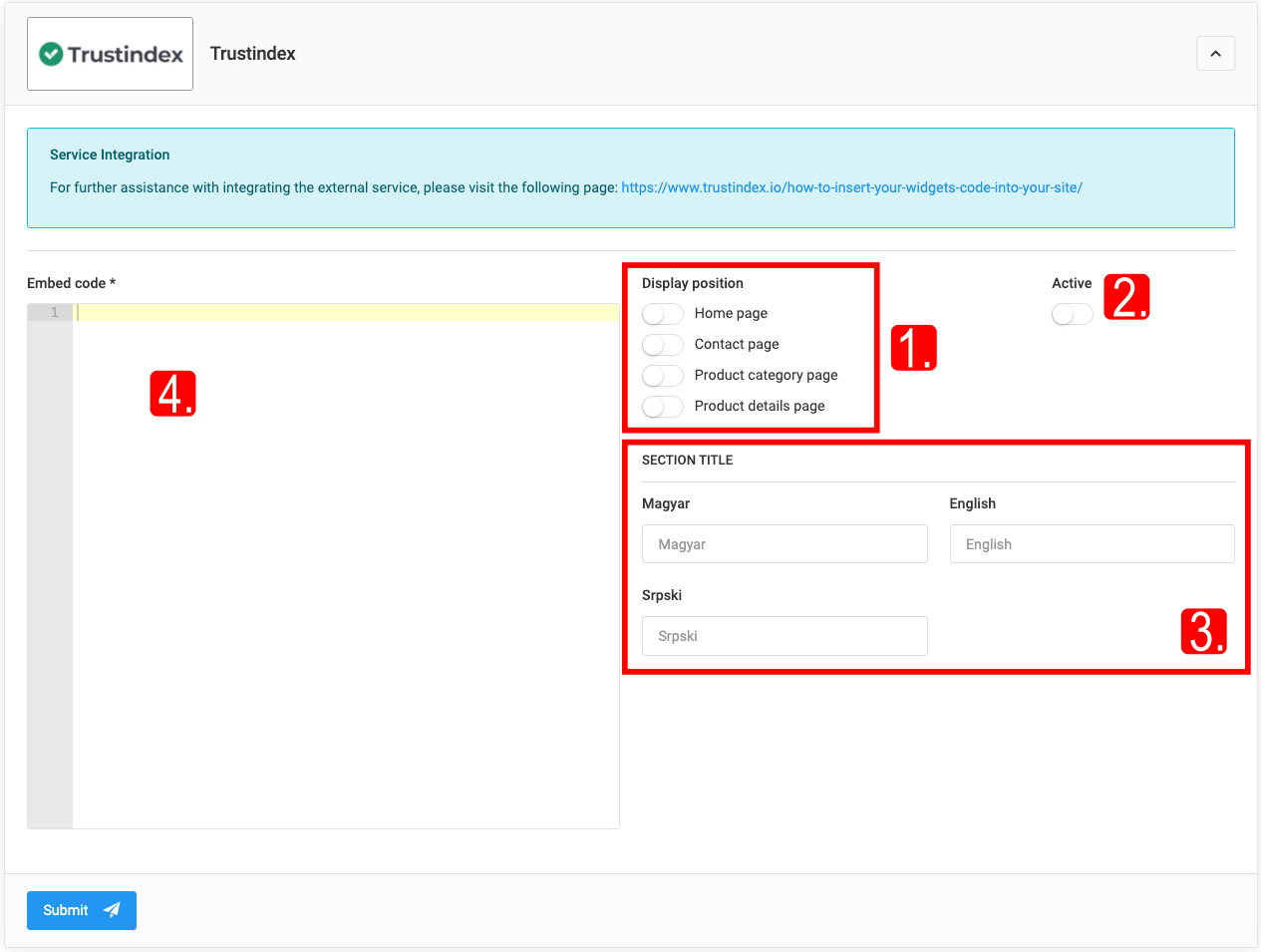
- Active — controls the visibility of the embed code on the site.
- Section Title — the title of the displayed section in the active languages (e.g. "Google reviews").
- Embed Code — the embed code of the service.
Fogyasztó Barát
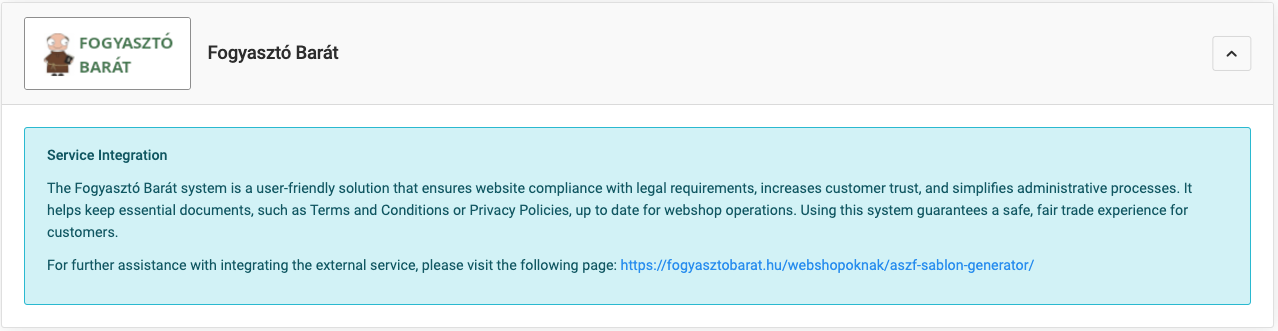
It helps with compliance with consumer protection legislation and with improving communication with customers: an automatically updated terms and conditions template, management of customer reviews, detailed consumer information notices. The goal is legal compliance and strengthening customer trust.
More information: fogyasztobarat
OptinBox
An online marketing tool that increases website conversion (customizable notification widgets, e.g. coupons, informational messages) and provides statistics for optimizing marketing strategy.
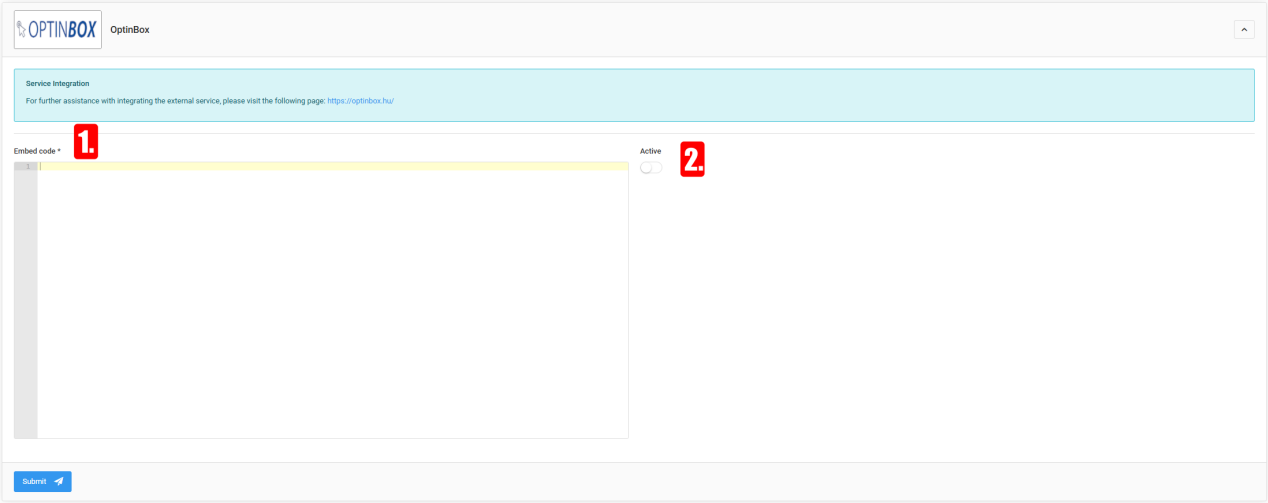
- Embed Code — paste the embed code copied from the OptinBox account, then "Save".
- Active – Determines whether the service is active or not. If deactivated, the option will not be available to administrators.
OptiMonk
Toolkit for optimizing the online shopping experience: custom pop-ups, exit-intent offers, targeted messages to reduce cart abandonment.
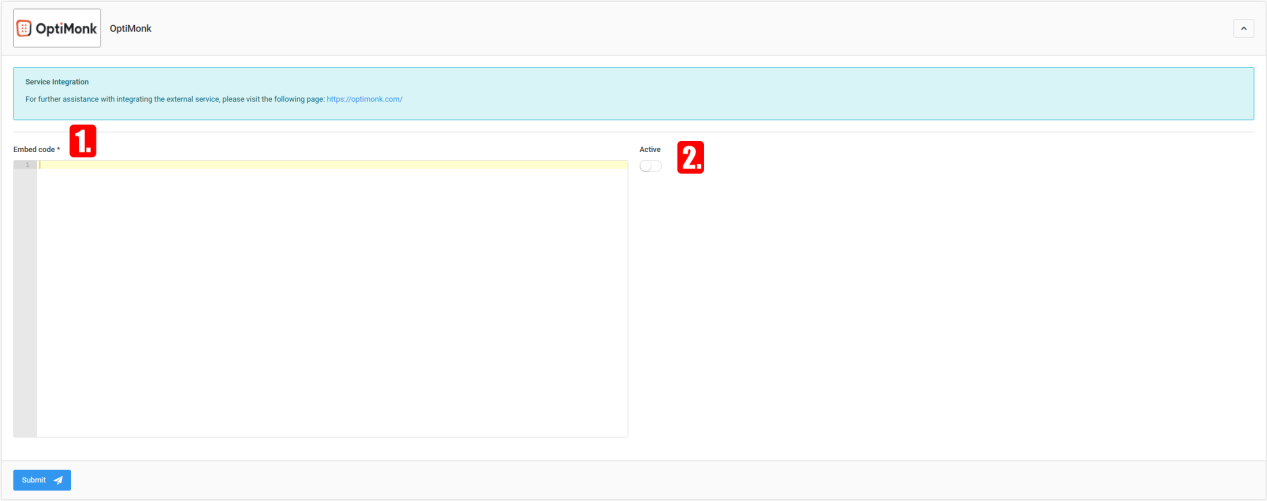
- Embed Code — paste the code copied from the OptiMonk account, then "Save".
- Active — determines whether the service is active.

reCAPTCHA
Contact forms can be supplemented with reCAPTCHA protection, which filters out unsolicited messages and automated bots (Google security technology). After setup it is automatically integrated into the forms.
- Site key – The site key value provided by the service
- Secret key – The secret key value provided by the service
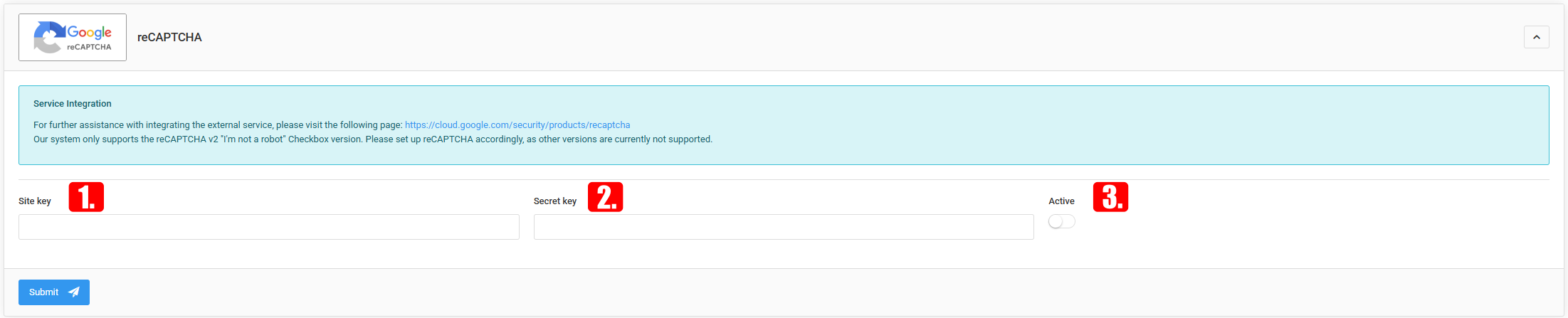
- Active – Indicates whether it is visible to the store’s customers. If inactive, it will not be visible to the store’s customers.