Provides the ability to create custom search parameters in the website’s admin interface for users, orders, categories, and products. The parameters created here automatically appear in the search interface of the respective module, making filtering and searching easier.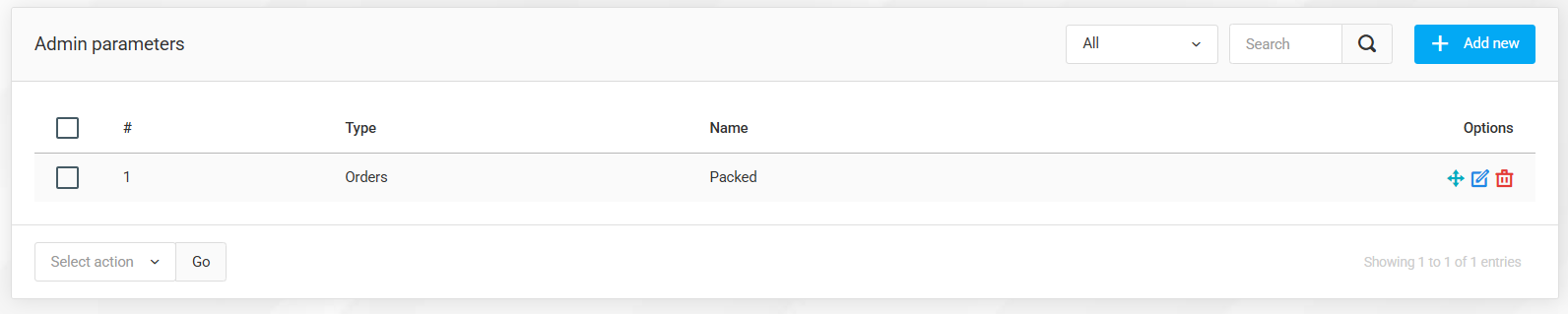
Admin Parameters List
Here you can find all previously created custom parameters. They can be freely edited, deleted, or new parameters can be created.
The parameters managed here also appear in the search interfaces of the admin panel, making data filtering faster and more accurate.
Creating Admin Parameters
Type – You can select which module the given custom parameter belongs to (Orders, Users, Products, Webshop categories).
Name – The unique name of the parameter, which appears both in the admin interface and among the search criteria.
Search Type
Option selection – Selectable from predefined values.
Free-text entry – Freely enterable search value.
These settings make searching within the admin interface easier and more precise. These custom parameters are available exclusively in the administrative interface.