The Tracking and Analytics services provide detailed statistics, user behavior analysis, and valuable insights into the performance of the online store, helping the store owner optimize content and continuously improve the user experience.
Sellvio provides integration with the following well-known and widely used services.
To set up the integrations, click on the External Services menu item in the left sidebar of the administration panel, then select the Tracking and Analytics tab on the External Services Administration page.
Trustindex
The Trustindex integration allows e-commerce store owners to easily display various reviews and ratings on their website, enhancing the site’s credibility and building trust with new visitors.
Trustindex offers several widgets that allow you to display reviews from platforms such as Google, Facebook, TripAdvisor, Amazon, Trustpilot, or Yelp.
- Embedded Code Embed Code – In this field, you need to insert the code snippets generated on the Trustindex page. These codes will embed the reviews/ratings onto your site. The display of this section can be fully customized on the Trustindex portal.
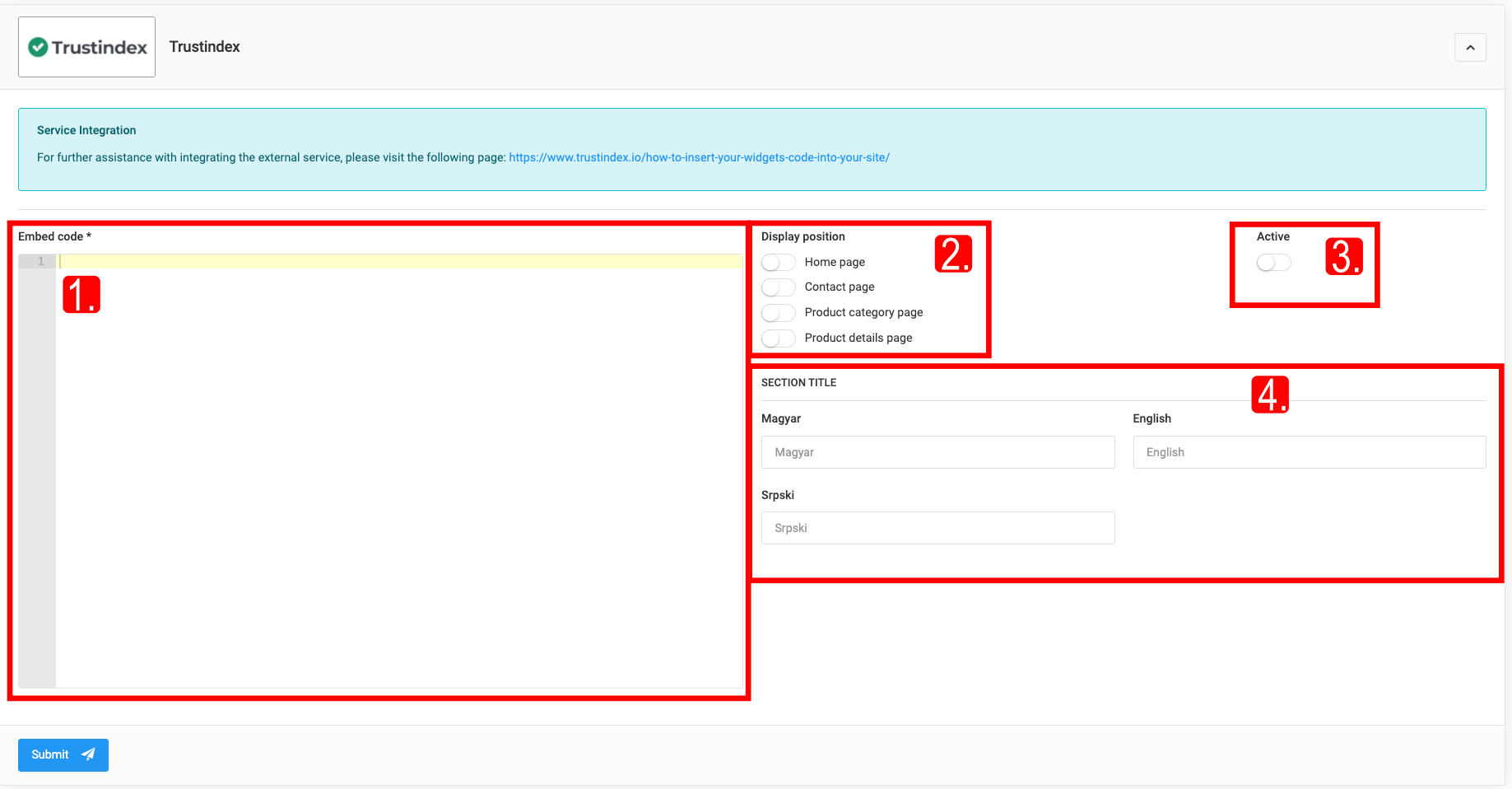
- Display Position Display Position – These switches allow you to control on which pages the reviews/ratings will appear in your online store.
- Active - turning on the toggle, the embed code will be automatically inserted into the page source code.
- Section Title - this field, you can specify what text will appear as the title for your reviews/ratings section.
Google Analytics
Google Analytics is a free online tool used by website owners to track how many visitors come to the site, where they are coming from, and what activities they are performing on the site.
To activate Google Analytics, webshop owners must have their own Google Analytics account (marketingplatform.google.com/about/analytics).
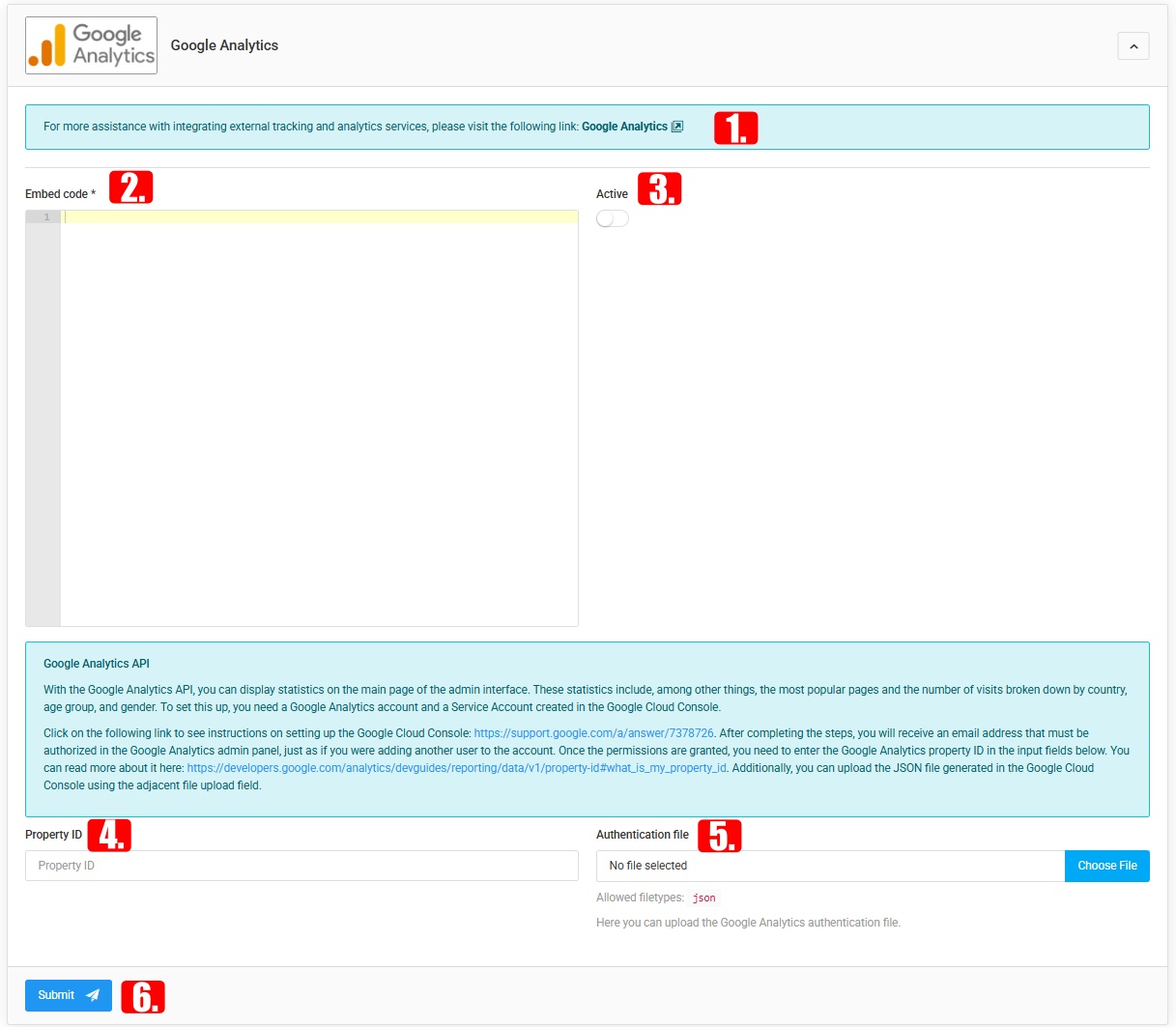
After creating the account: follow the link and instructions listed under the Sellvio Google Analytics integration; copy the embed code from the Google Analytics account; paste the code into the Sellvio settings; activate the integration and save the changes.
This interface makes it possible to display Google Analytics statistics in the admin interface (most popular pages, number of visits, geographic location and demographic data of users, etc.). To work, it requires a Google Analytics account and a Service Account created in the Google Cloud Console.
The Most frequently viewed pages feature shows which pages visitors view most often. The Countries the views came from statistic tracks which countries visitors browse the site from - useful for webshops targeting international markets.
Embed code, Active, Property ID, Authentication file (JSON, from the Google Cloud Console service account), Save - required fields.
Google Tag Manager
A tool for easily managing and updating measurement codes and marketing tags associated with websites; it helps track user activity and optimize marketing campaigns.
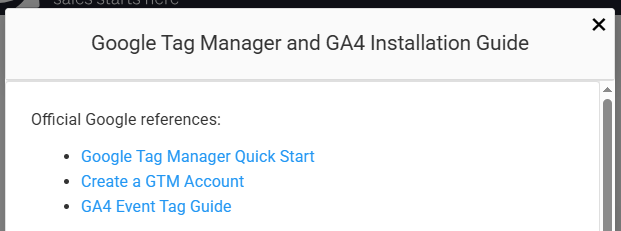
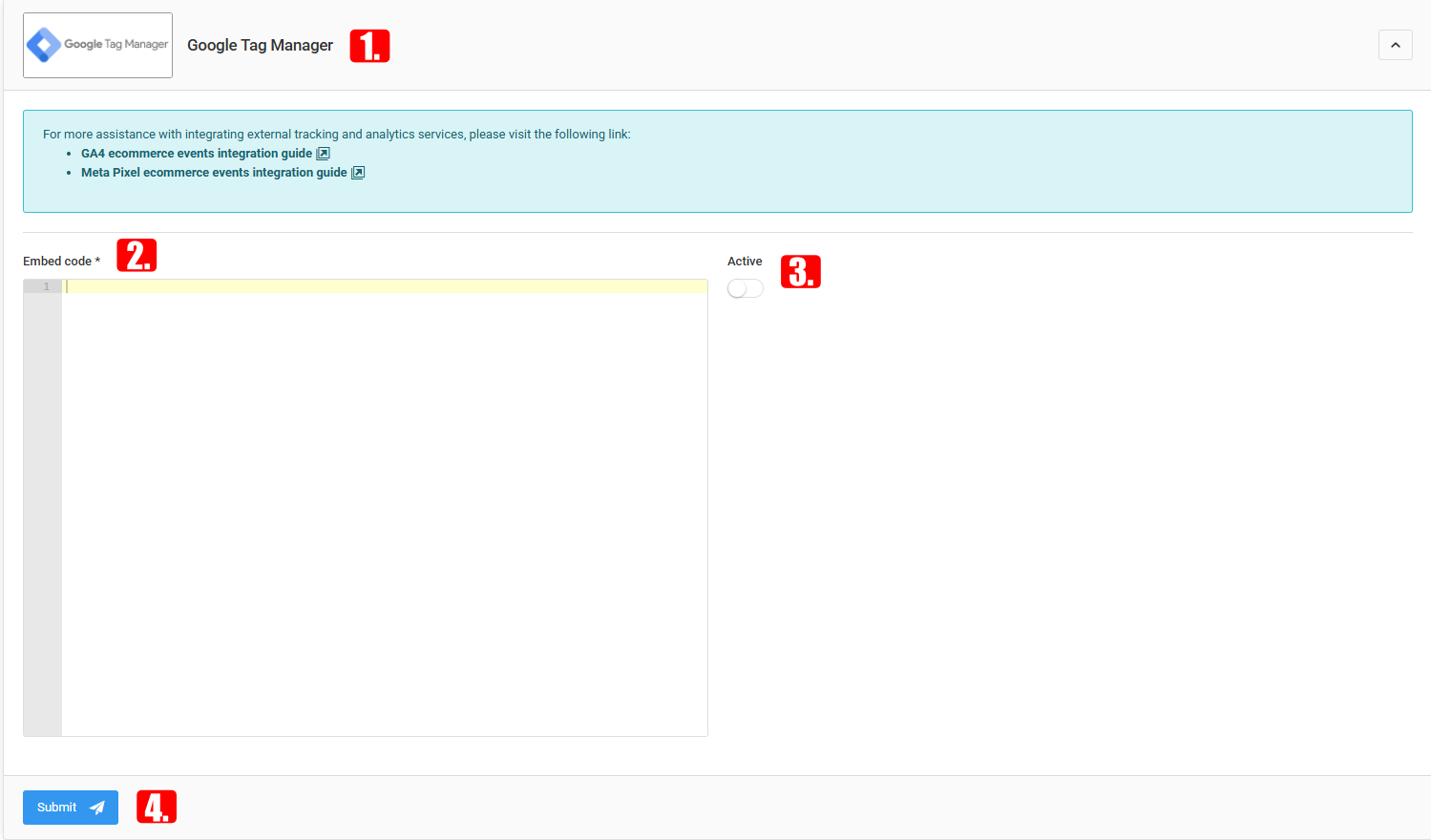
Account: marketingplatform.google.com/about/tag-manager. The same sequence of steps (follow the link, copy/paste the embed code, activate, save) as with the other integrations. The guide walks you step by step through setting up the required variables, events and tags (GA4 and Meta Pixel events).
Embed code, Active, Save - required fields.
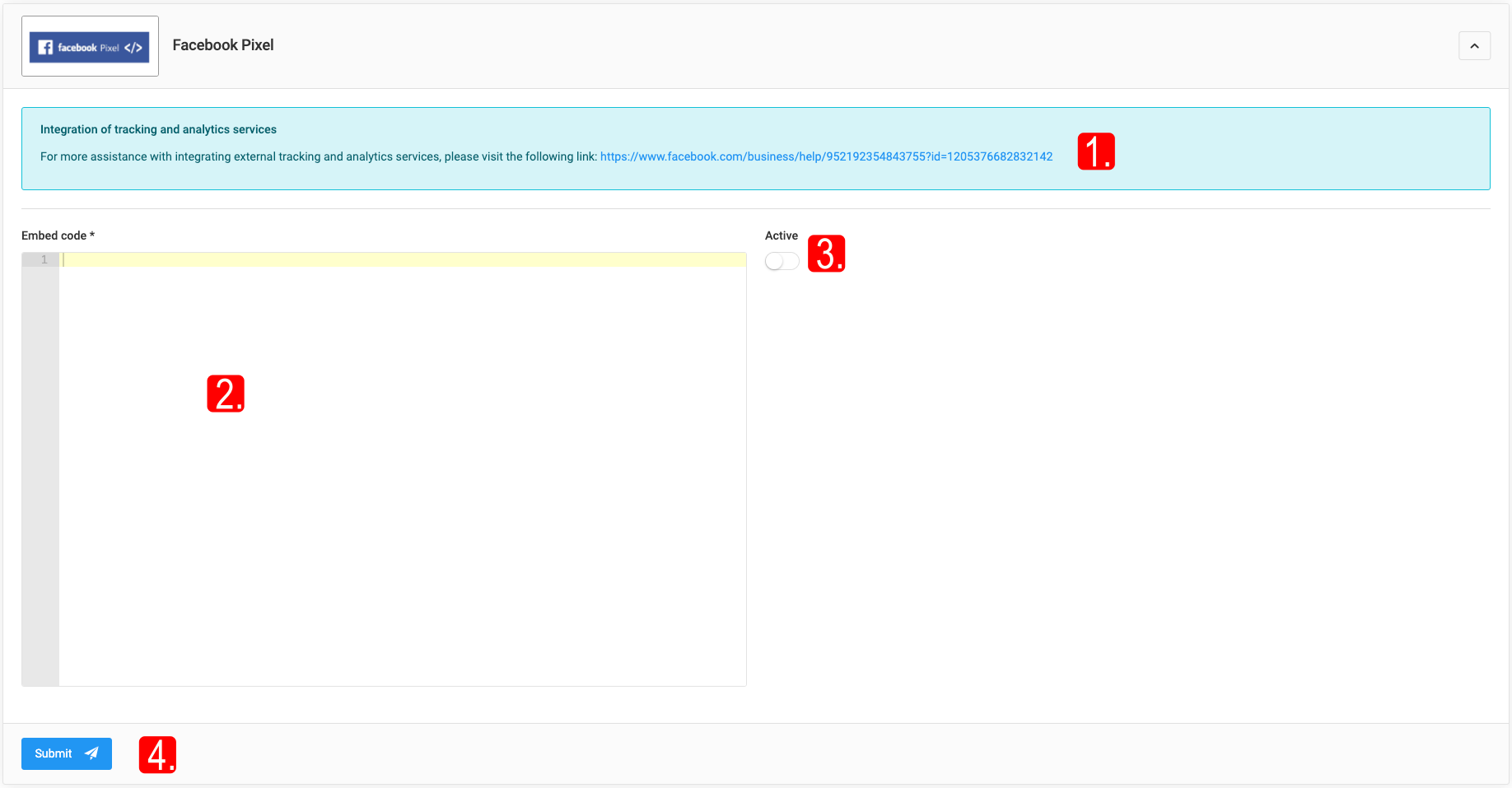
Facebook Pixel
Code that can be installed on webshops, helping businesses track how customers use the site. A Facebook Business account is required (business.facebook.com).
Embed code, Active, Save - required fields.
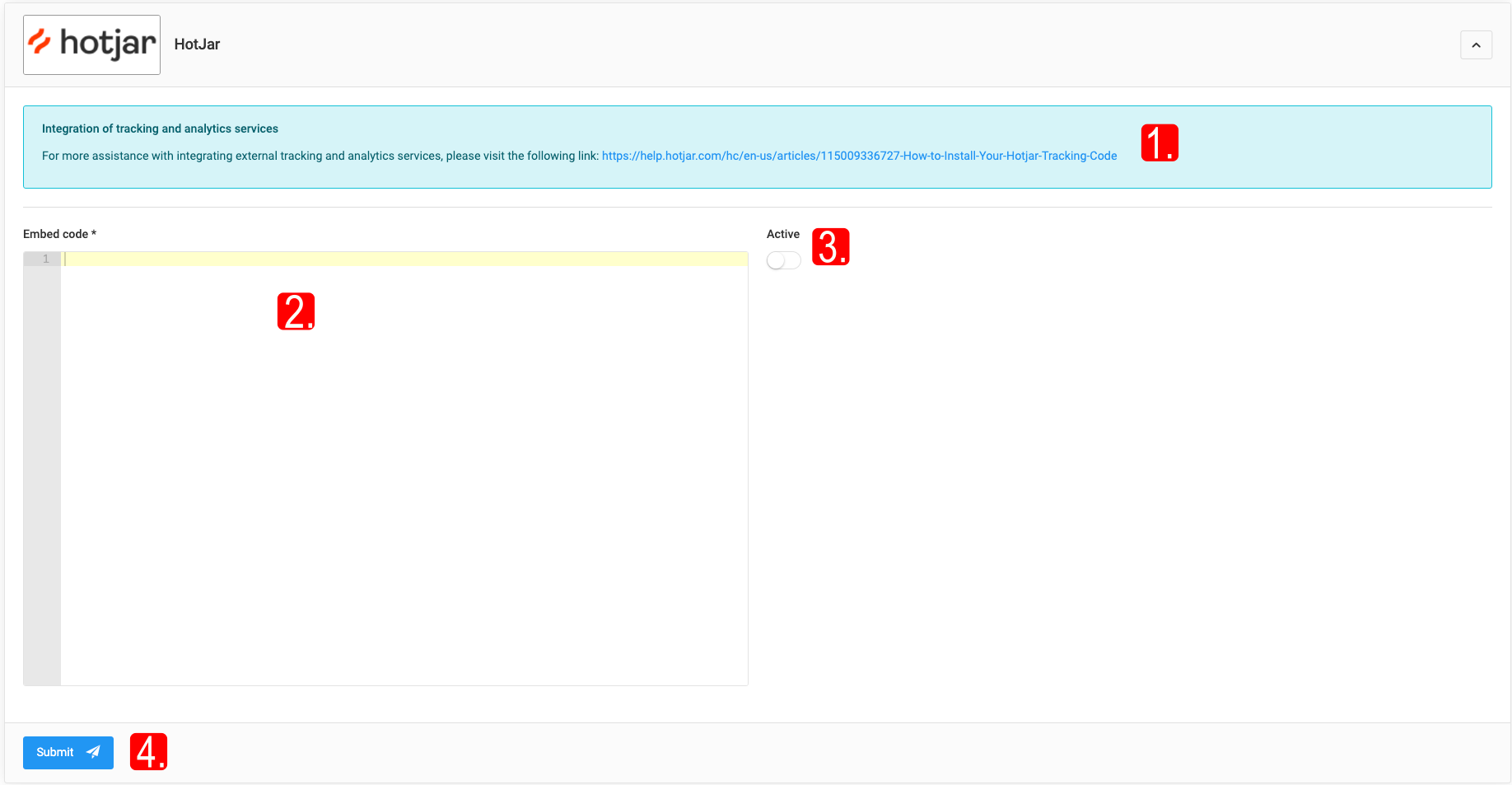
Hotjar
Online service for detailed mapping of visitor behaviour (navigation, clicks, interactions). Account: Steps to activate Hotjar:.
Embed code, Active, Save - required fields.
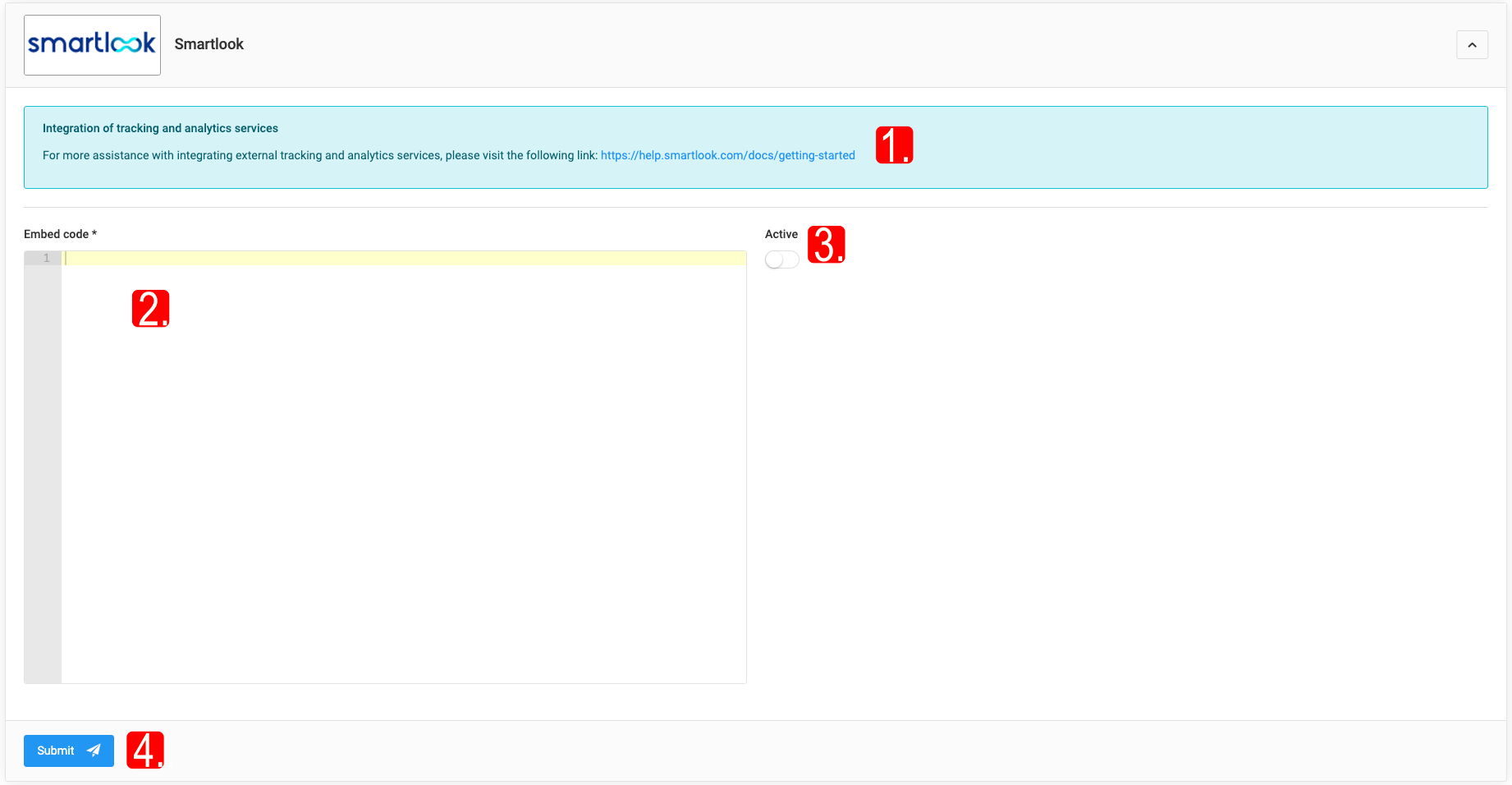
Smartlook
Recording visitor behavior with heatmaps and session recordings. Account: Smartlook.
Embed code, Active, Save - required fields.
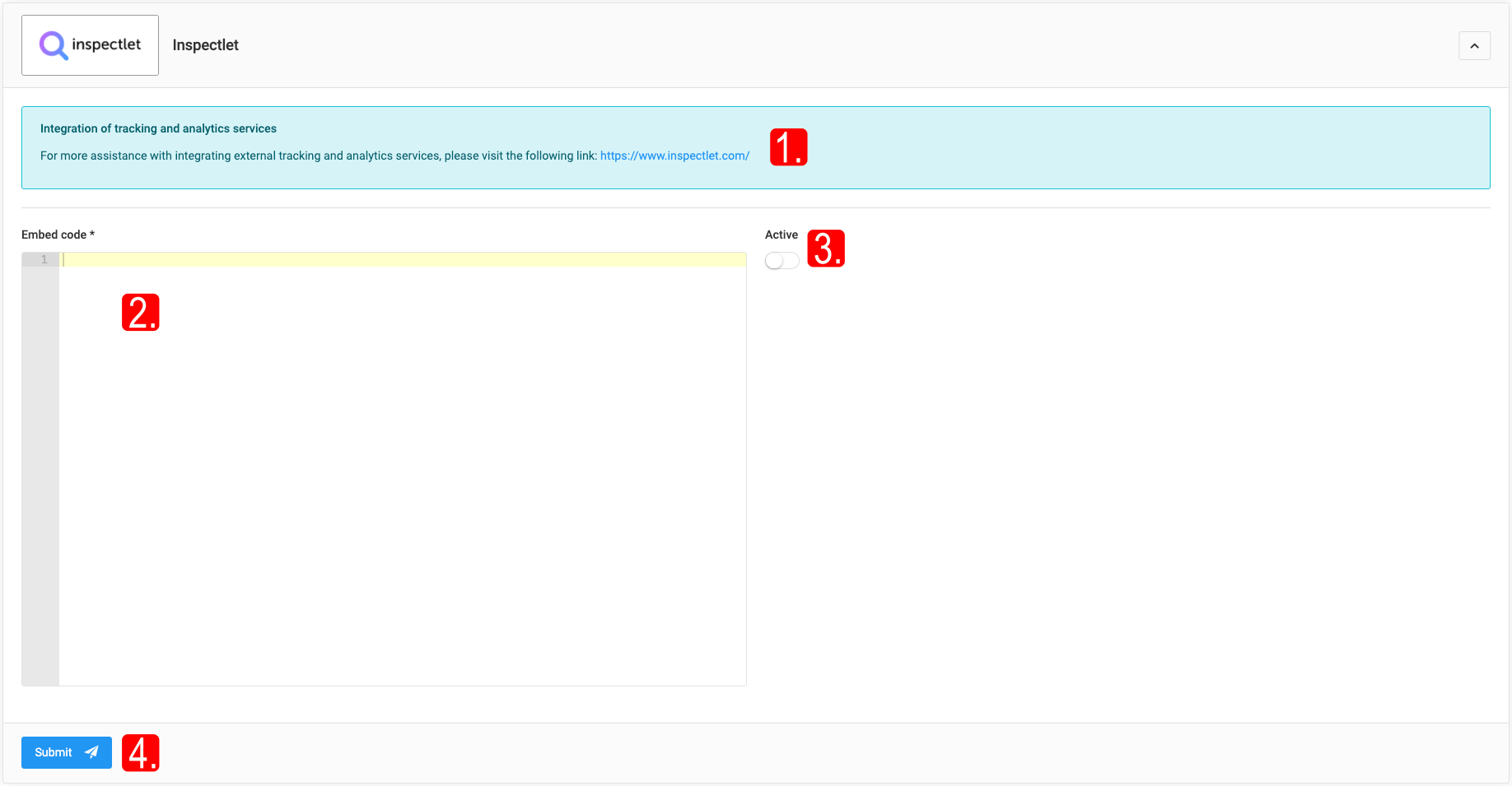
Inspectlet
Complex analytics tool for recording customer behavior (heatmaps, session recordings with real-time tracking). Account: inspectlet.
Embed code, Active, Save - required fields.
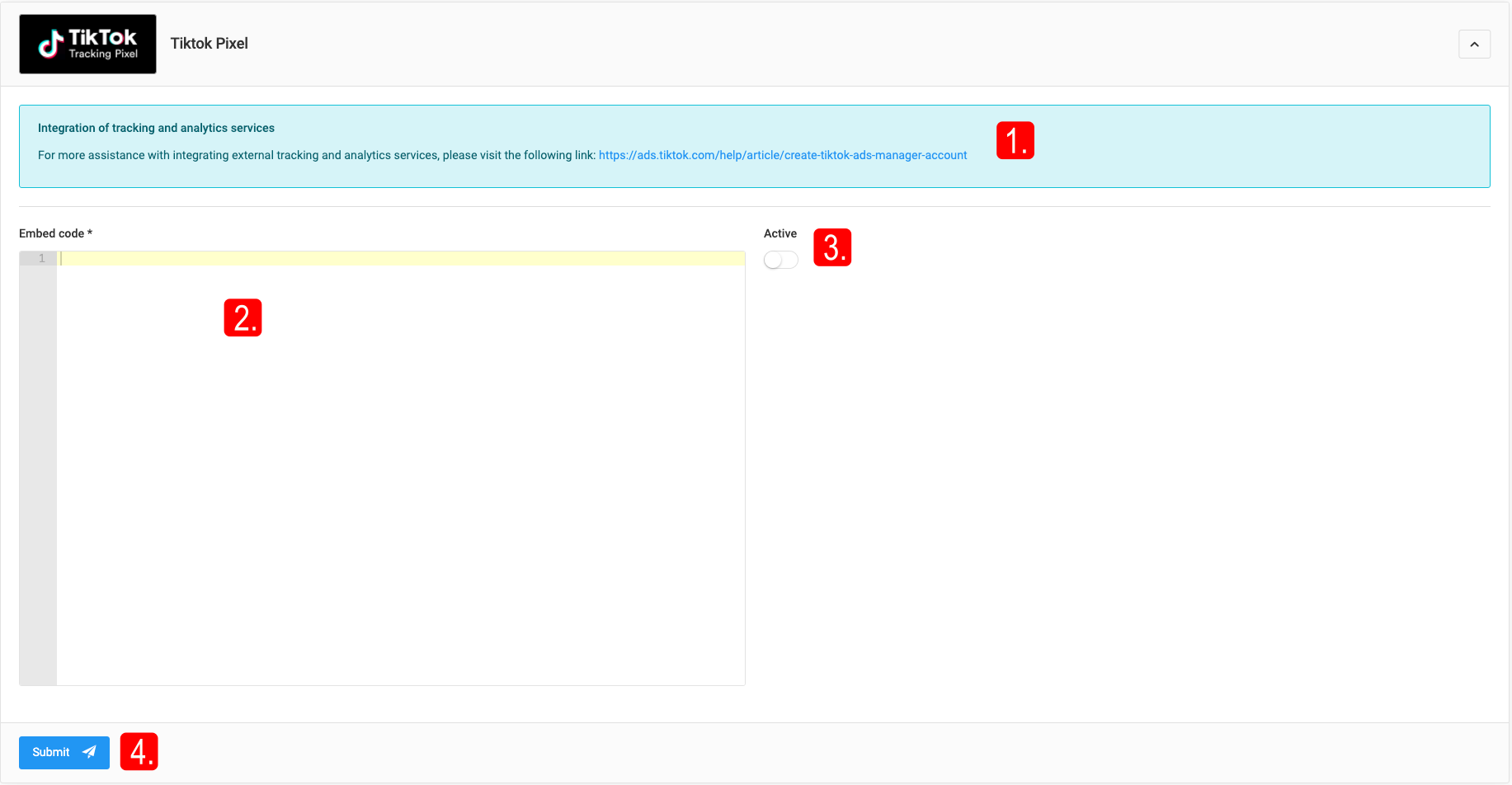
TikTok Pixel
Tracking tool for measuring the effectiveness of advertising campaigns on the TikTok platform. Account: tiktok.
Embed code, Active, Save - required fields.
Google Search Console
A free tool that helps monitor and optimize your website's performance in Google Search.